

How to Play CDs in My Car Without a CD Player
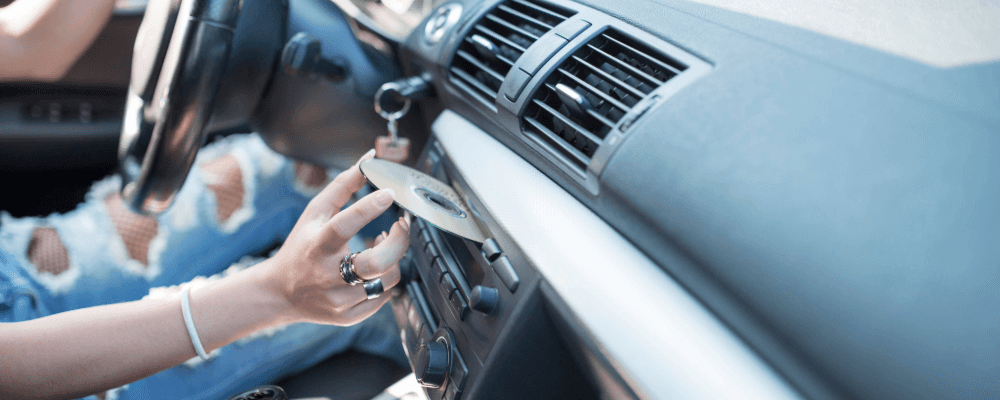
Yikes! My new car doesn’t have a compact disc player! I love my CD collection and love to listen to my favorite tunes as I make the trek from Spokane to Seattle. Now what can I do?
As you have learned, many newer model vehicles are built without a CD player. Why? CDs have been declining in popularity; hence, vehicle manufactures are following the trend and no longer producing cars standard with CD players. The audio movement has gone to satellite radio and music apps like AppleCarPlay and Android Auto.
You have the option to install an aftermarket stereo that includes a CD player, but this can be expensive and you would have to make modifications to your vehicle which is not always ideal. But have no fear, there are options for you to continue listening to your favorite CDs that are less expensive and don’t require changes to your new rig.
USB CD Players
Here’s an easy option. Most likely your newer model car will have a USB port. You can buy a CD player that has a USB adapter and plug it in. You will want to consider a power source. Check for a plug-in cord that will work in your vehicle or purchase a player that comes with battery power.
Be sure to mount or place the player so that it doesn’t move around while driving. You don’t want to miss a beat of your most loved song.
Bluetooth
Let’s say you don’t want to deal with the cords involved with a portable CD. In this case, find a CD player that has Bluetooth capabilities. Pair up your car and your player and you are good to go.
Copy CDs to Your Phone or Memory Stick
While this option does get rid of using your CDs in your vehicle, it is another way to keep listening to your CD music. You can copy the CDs to your phone or a memory stick using a personal computer. If your computer does not have a CD drive, you will need to get an external drive. Using an appropriate program, you can copy the CDs to your computer. The next step is to connect your phone or memory stick to your computer, then move the music to your device. The final step is to pair your phone to your vehicle’s radio or simply plug in the memory stick to the USB port.
Keep in mind, that if you do not have a lot of room on your phone, this could limit the amount of music you can transfer. Copy your faves and you can update the songs as time goes on. For a memory stick, you will need to consider the size when transferring your CDs. The larger the size, the more you can copy.
Purchasing a CD Player
When deciding which portable CD player to purchase, keep in mind that it should have the capability to be used in a vehicle. Some CD drives only work with computers.
There are lots of CD player options on Amazon.com with a variety of options and price range.
Ready, Set, PLAY
Technology is always advancing. Unfortunately for those CD lovers, the advancing eliminated the CD player in your car. But you still have options. Just find the best one for you and listen your drive away!
Still need help getting it done? Reach out to our staff who can show you the steps.
Frequently Asked Questions
Will a USB CD player work in any car?
Most USB CD players work in vehicles equipped with a functional USB data port, but some older or entry-level models only support charging. Check your owner’s manual to confirm that your vehicle’s port supports media playback before purchasing.
Can I play CDs through Apple CarPlay or Android Auto?
No. Apple CarPlay and Android Auto don’t support direct CD playback. You can, however, transfer your CD music to your phone and play it through your preferred streaming or music app while connected to CarPlay or Android Auto.
Do portable CD players drain the car battery?
Generally not, as long as the player is unplugged when the engine is off. Devices powered by the vehicle’s USB port or 12-volt outlet stop drawing power once the ignition is turned off in most modern cars.
What audio format should I use when copying CDs to a memory stick?
MP3 and WMA are the most compatible formats for in-car playback. Most Ford infotainment systems read these formats directly from a USB drive, but always verify supported file types in your owner’s manual.
Where can I get help connecting a portable CD player in Spokane?
The team at Wendle Ford can help you connect or test your portable CD player setup. Our staff can also recommend options that work best with your specific Ford model.
0 comment(s) so far on How to Play CDs in My Car Without a CD Player